Access Client Record Cards from Appointments
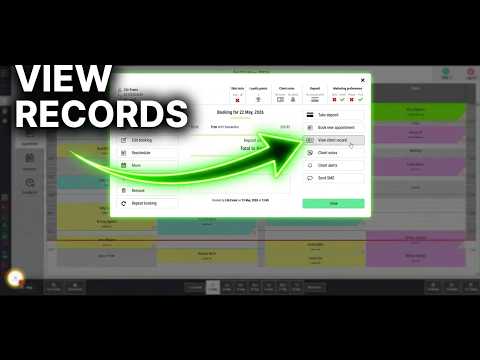
Open a client record card directly from their diary appointment when you need to check or update client information quickly.
Precise learning for real salon workflows
Choose from 79 focused guides across Appointments, Clients, Till & Payments, Reporting and Stock Control. Every guide addresses a real Salon Manager task, helping your team work accurately and confidently without losing momentum.
79 practical guides
Searches guide titles and descriptions across every category.
Run a calmer diary with practical help for bookings, changes, arrivals, notes, deposits, rosters, rooms and classes.
Open a client record card directly from their diary appointment when you need to check or update client information quickly.
Add a one-day reminder or piece of information beneath a team member’s name in the Salon Manager diary.
Add ongoing information to a team member’s diary column and view it from the speech bubble whenever needed.
Add another service for a client from their current booking, with the client selected automatically.
Review existing client notes and add new information directly from an appointment in the Salon Manager diary.
Record clients who are waiting for an appointment and capture their preferred service, team member, availability and notes.
Choose a colour for arrived bookings. Your team can then identify checked-in clients quickly in the Salon Manager diary.
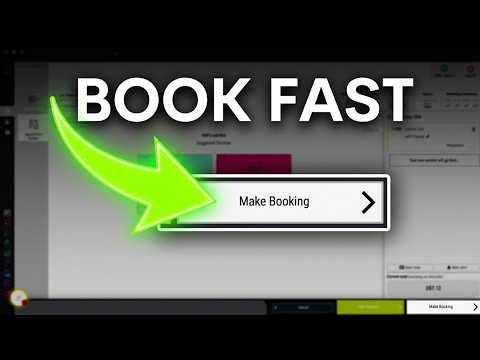
Create a client appointment with the correct date, time, team member and service. Keep the diary connected to the client record.
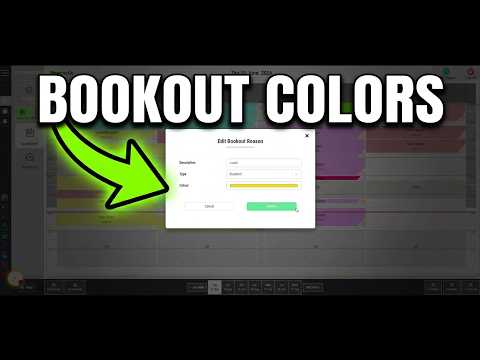
Change the colour for each bookout reason. Different types of blocked time then become easier to identify.
Set different opening and closing times for one date. Use this for holidays, events, late openings or early closures.
Create another appointment book to organise different diary areas, locations, rooms, resources or service groups in Salon Manager.
Create a class and configure its tutor, columns, price level, skills and availability. You can also control online booking.
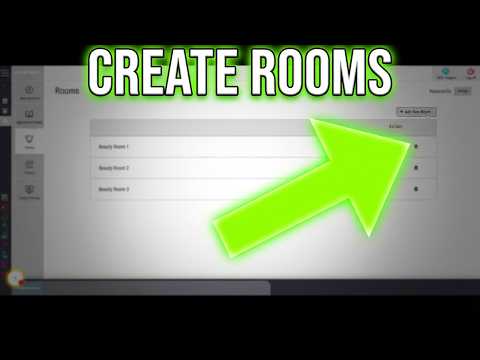
Create bookable rooms, treatment spaces or other resources so appointments can be managed against the correct location in Salon Manager.
Change the service on an existing appointment and keep the diary accurate when a client’s booking requirements change.
Hide unavailable team members from the diary to reduce clutter and make the day view easier to read.
Mark a client as arrived when they check in. The team can then see who is already in the salon.
Update a missed appointment so the diary clearly shows that the client did not attend.
Move an appointment to another time, team member or diary position using drag and drop.
Update the salon’s standard weekly opening and closing hours. These hours remain in place until they are changed again.
Print a client’s upcoming appointments from the Salon Manager diary when they need a paper reminder.
Print a client’s notes directly from their appointment when the team needs a paper copy during a visit.
Print one team member’s day bookings from the appointment diary.
Cancel an appointment for a client or delete a booking created in error, while keeping the correct diary history.
Make an appointment longer or shorter when the service needs more or less time than the original booking allowed.
Send an SMS directly from a client’s diary appointment and review the message length and credit cost before sending.
Configure each team member’s start date, working hours, working days and rotating shift patterns in the Salon Manager diary.
Take a deposit against an existing appointment. This can help secure the booking and protect appointment revenue.
Open one team member’s diary across the week to review upcoming appointments and availability more easily.
Review a client’s previous services, team members and dates while building a new appointment, making repeat bookings quicker and easier.
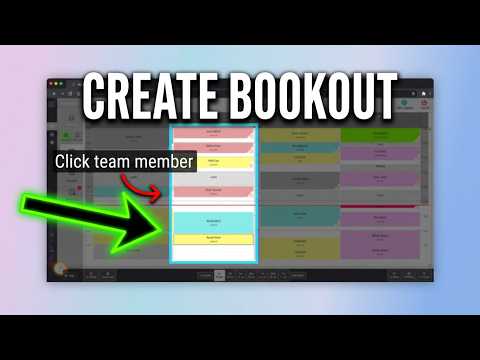
Add a timed, all-day or recurring bookout for one or more team members in the diary.
Repeat an existing appointment at regular weekly intervals across a selected date range.
Move between dates and weeks, return to today or jump ahead for future client bookings.
Choose the days and times when clients can make appointments through online booking.
Rebook a client directly from their existing appointment without searching for them again.
Support more informed client care with guides for records, contact details, preferences, reminders, discounts, skin tests, courses and history.
Automatically add extra time whenever a particular client books an appointment, which is useful for clients who need longer services.
Assign service and product discounts to an individual client so the correct discount applies automatically in Salon Manager.
Automatically remove inactive client data after a chosen number of years using the Client Settings in Salon Manager.
Permanently remove a client and their details from Salon Manager after checking that the correct record has been selected.
Stop an individual client from booking online by changing the setting on their Salon Manager client record.
Update a client’s personal details, contact information, address and other record information in Salon Manager.
Allow an individual client to pay using their account balance by enabling account sales on their Salon Manager client record.
Allow multiple skin test dates for each client by changing the Client Settings in Salon Manager.
Stop an individual client from receiving service-related messages by updating the setting on their Salon Manager client record.
Find a client using their name, phone number or email address and open their record card in Salon Manager.
Choose how many days before an appointment an individual client should receive their reminder.
Open a client’s full timeline and filter bookings, bills, courses, retail, notes, alerts and messages from one place.
Review a client’s current and past courses, check remaining sessions and extend a course expiry date when required.
Make checkout quicker and more accurate with practical guidance for bills, payments, vouchers, loyalty points, courses, discounts, tips and retail.
Choose an available discount and apply it to the correct item. Review the new bill total before taking payment.
Add a tip to a client bill and assign it to the correct team member. Split it when needed.
Select the client bill and team member. Then search for or scan the retail product before adding it.
Select the client’s bill, choose the team member and find the required service before adding it to the existing bill.
Select the item, enter the required quantity and confirm the change. Salon Manager then updates the bill total.
Select the service or retail item and enter the replacement price. Review the updated total before taking payment.
Search for the voucher number in the Till. Confirm its balance and expiry date before redemption.
Select the client’s payment method in the Till, confirm the transaction and complete the bill once payment has been processed.
Convert a service into a course with sessions, pricing and an expiry date.
Combine several active client bills into one family bill when a single client is paying for everyone.
Create a quick bill for a walk-in client, then add services, retail products, vouchers or account credits before taking payment.
Select Credit Account from the open bill, enter the amount and confirm the transaction.
Use Till Review to find completed bills by date. You can edit, reissue or delete a bill when authorised.
Split a bill between card, cash, voucher or other payment methods. Complete it after the full balance is paid.
Record money added to or removed from the till. Enter the reason, amount and tax rate, then confirm the transaction.
Redeem a client’s available loyalty points from the Till and automatically reduce the remaining amount payable on their bill.
Create a voucher from the Till and set its number, expiry date and value. Add it to the bill.
Find the client in the Till and start their bill. Add services, products, vouchers or account credits as required.
Keep stock accurate with practical help for purchase orders, deliveries, stock takes, movements and transfers between sites.
Record delivered products and quantities, then mark a purchase order as delivered or part delivered.
Move products between salon locations and update the stock quantities held at both sites.
Set stock limits across a supplier range to improve reorder and purchase order suggestions.
Compare physical product quantities with Salon Manager and update the recorded stock levels.
Move one or more products into or out of stock and update their recorded quantities.
Create a supplier order, review suggested quantities and manually add products when required.
Help your team get more from reporting with practical guides for navigating, running, filtering, drilling into detail and exporting reports in Salon Manager.
Direct answer
Build confidence with a clear answer to the task in front of you. These guides help new starters learn daily routines and experienced colleagues refresh a skill without waiting for a live session. Use the same all-in-one software workflows across your team, then ask for focused training when your business needs a closer look.
Choose the area your team is working in, open the exact task and learn through video and written instructions together. New starters can build capability in a structured way. Experienced users can return for a precise refresher without working through an unrelated manual. UK support and focused live training are available when a workflow needs a more personal approach.
Expert guidance, grounded in the product
Salon Software Solutions Limited, the UK company behind Salon Manager, creates and maintains this library. Product knowledge shapes every tutorial. Each written guide follows the same real software workflow, giving teams a dependable way to watch, read and repeat the process.
The guidance is based on practical Salon Manager workflows rather than general salon-software advice. It is written for the people completing these tasks in the product.
Salon owners, managers, reception teams and team members can use the guides for onboarding, day-to-day task support and quick workflow refreshers.
This hub was last reviewed on . The library is updated as new guides are completed and workflows change.
From question to confidence
There is no generic manual to work through. Choose the relevant Salon Manager area, select the precise task and follow the video with its written guide. Pause, replay and practise at your own pace. For a more involved workflow, contact UK support or book a focused training session.
Go straight to Appointments, Clients, Till & Payments, Reporting or Stock Control. Spend less time searching and more time completing the task.
Clear titles and practical descriptions help you find the right answer quickly, even during a busy working day.
Open the guide to bring the video, written steps, useful tips and troubleshooting information together in one place.
Pause, replay and work through the written instructions at your own pace until the task feels familiar.
For business-specific setups or more involved workflows, speak to our UK support team or arrange live training for your team.
Straight answers
Find clear answers about the library, each tutorial, supported devices and additional help.
The Training Hub is a library of 79 task-specific Salon Manager videos. Matching written guides cover appointments, clients, till, payments, Reporting and Stock Control.
Yes. New team members can learn relevant tasks, while experienced users can return for a quick workflow refresher.
Choose Appointments, Clients, Till & Payments, Reporting or Stock Control, find the task you need and select the video card. The card opens a dedicated guide page where you can watch the matching video and follow the written instructions.
The Training Hub contains 79 video guides. This includes 34 appointment guides, 13 client guides, 18 till and payment guides, 8 reporting guides and 6 Stock Control guides.
The available videos cover appointment and diary management, client records, bills, vouchers, loyalty points, courses, payments, till tasks, Reporting and Stock Control. Marketing, Price Book and Consultation Forms are planned as additional categories.
Yes. Each training card opens a dedicated guide page with the matching video and written instructions.
Yes. The Training Hub and individual guide pages are designed to adapt to desktop computers, tablets and mobile phones.
Use Talk to Support for a specific issue. Choose Book Live Training for additional help with your team.
No. The Training Hub is the library index. Selecting a thumbnail or the Watch Video & Read Guide button opens the dedicated page containing the embedded video and written instructions.
Each available guide page contains the matching training video and written instructions for the same task. Guides may also include practical tips and troubleshooting information where relevant.
The planned categories are Marketing, Price Book and Consultation Forms. They will be added to the playable library as their training videos are completed.
When a guide is not enough, speak to people who know Salon Manager or arrange focused live training shaped around your team and workflows.