
Save appointment time
Send forms before the visit so clients can complete routine questions and declarations before they arrive.
The practical and compliance benefit
Forms are not just a replacement for paper. Done well, they save appointment time, improve consistency, make important information easier to review and support the salon or clinic’s own consultation, consent and record-keeping processes.
Send forms before the visit so clients can complete routine questions and declarations before they arrive.
Use service-specific forms so the same required questions and declarations are presented for the relevant treatment workflow.
Client-entered information and digital signatures stay with the completed form instead of being copied from paper into another system.
Completed answers, signatures, status and history remain connected to the appropriate client record for authorised users.
Structured forms and retained records can support the business’s consultation, consent, insurance and data-handling procedures.
The software supports the process but does not replace professional judgement, legal advice or the salon or clinic’s responsibility for appropriate questions and review.
Digital consultation forms
Create service-specific forms for clients and team members, send them before the visit or complete them in the salon, and keep the signed result in the client CRM.
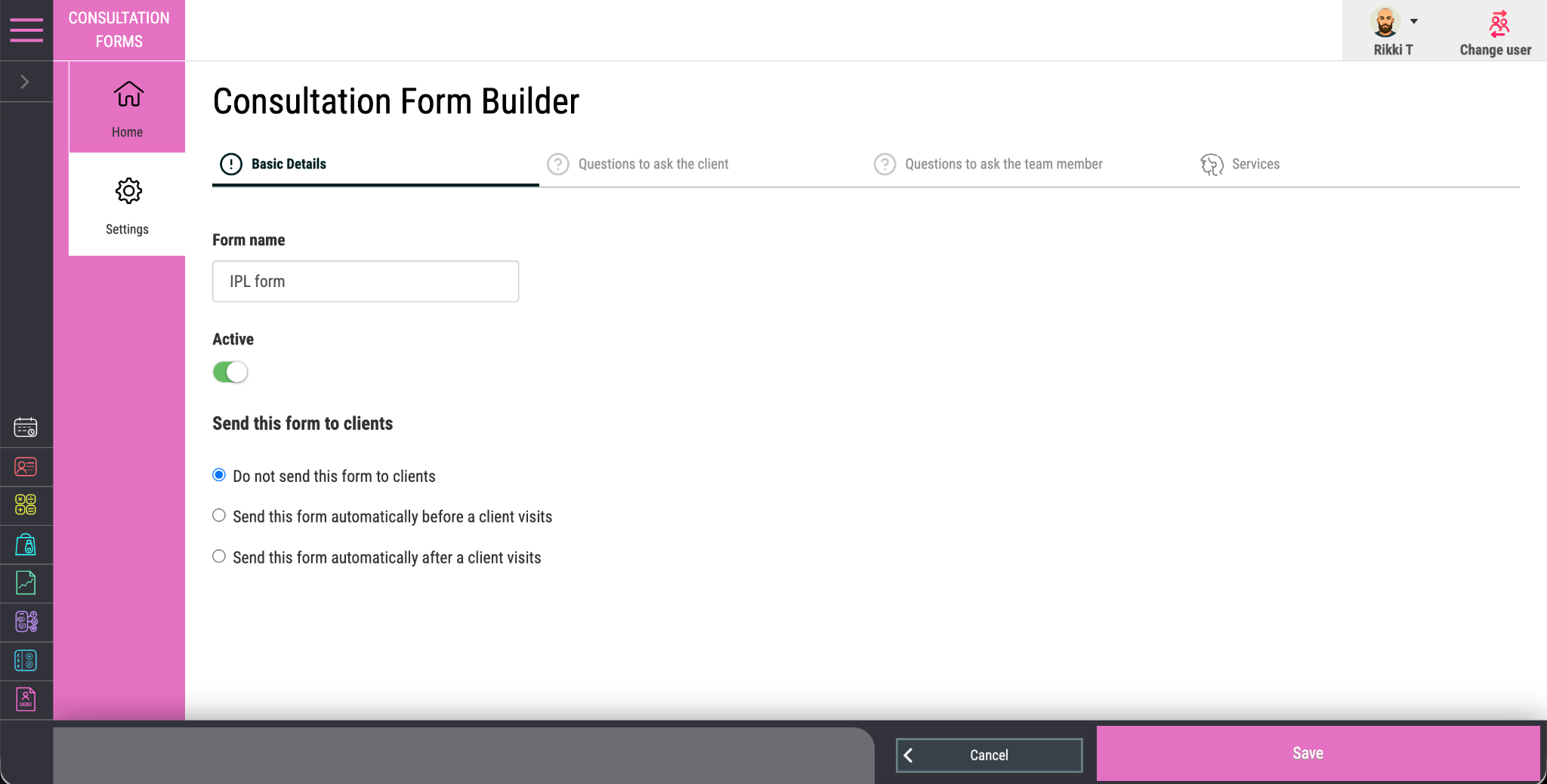
Create consultation, digital consent and patch-test forms around your services and professional process.
Send the correct form automatically before the booking, reducing manual chasing at reception.
Choose the medical, preference, consent and preparation questions clients need to answer.
Add the professional checks and treatment questions the practitioner needs to complete.
Record client agreement and the professional sign-off required from the person delivering the service.
Allow forms to be completed on a phone, tablet or computer before the visit or in the salon.
Keep each completed and signed form securely connected to the correct client record.
Retain answers, signatures, completion status and history for authorised users to review.
At a glance
Paperless consultation forms can be linked to the relevant service and sent before the appointment. Clients complete the required questions and signatures on a phone, tablet or computer; authorised team members can review the result and complete professional checks. The final form history stays with the client record instead of being separated from bookings and treatment information.
How it works
Create the right form once, connect it to the relevant service and keep each completed record with the client.
Choose the client questions, professional checks, declarations and signatures required.
Trigger the correct form before an appointment or complete it on a device in the salon.
Check the responses and keep the completed, signed form connected to the client CRM record.
Questions buyers ask