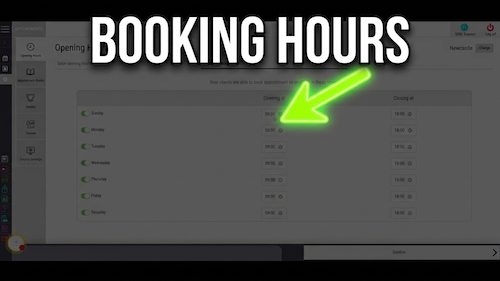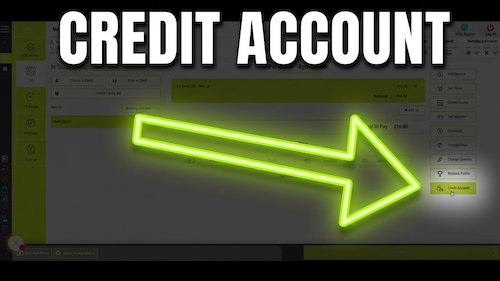
Video walkthrough: creating and configuring a class in the Salon Manager diary.
Quick answer
Open Classes and select Add New Class
Open Settings, choose Classes, select Add New Class, enter the class details, configure its availability, then select Confirm.
Before you start
Have these details ready
Access to diary settings
The class name and tutor name
The number of columns required
The price level and service skills
The dates, times and available days
Step-by-step instructions
How to create and configure a class
Follow these steps to create the class and control when and how it can be booked.
Useful tips
Review availability before confirming
Check the class dates and times carefully before confirming.
Only enable online booking when clients should be able to book the class online.
Use clear class and column names so the team can identify them in the diary.
Troubleshooting
Common issues and what to check
Frequently asked questions
Class configuration questions
Can I create a new class in the diary?
Yes. Open Classes in Settings and select Add New Class.
Can I set class availability by date?
Yes. Use the specific date slider and enter the required class dates.
Can classes be available online?
Yes. Enable the online booking option when clients should be able to book the class online.
Offline reference
Download this guide as a PDF
Keep a printable copy for diary administrators or use it during staff training.
Last reviewed: 16 June 2026.