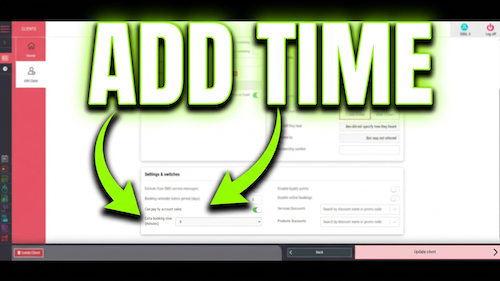
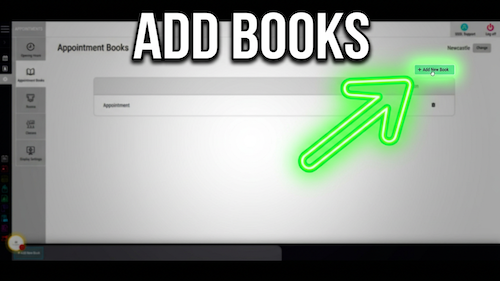
Video walkthrough: booking a new client appointment in the Salon Manager diary.
Quick answer
Choose the date, time, team member, client and service
Open the diary, choose the date, time and team member, search for the client, select the service, review the details, then select Make Booking.
Before you start
Have these details ready
Access to the Salon Manager diary
The client name or contact details
The service the client wants to book
The preferred date, time and team member
Step-by-step instructions
How to book a client appointment
Follow these steps to create a complete and accurate booking in the diary.
Useful tips
Review the booking before confirming it
Check the date, time, team member and service before making the booking.
Use the client’s previous or top services where appropriate to speed up rebooking and reduce selection errors.
Use the deposit option before finishing when a deposit needs to be collected during booking.
Troubleshooting
Common issues and what to check
Frequently asked questions
Appointment booking questions
Can I book a returning client faster?
Yes. Salon Manager can show a returning client’s top services during the booking process.
Can I change the booking after it has been made?
Yes. Use the editing or moving appointment options to update the booking details.
Can I take a deposit while booking?
Yes. Use the deposit option before completing the appointment when a payment is required.
Offline reference
Download this guide as a PDF
Keep a printable copy for diary users or use it during staff training.
Last reviewed: 16 June 2026.