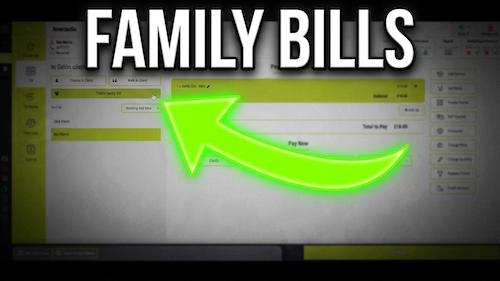
Create a Family bill
[data-sm-page="guide-till-07-family-bills"],[data-sm-page="guide-till-07-family-bills"] *{font-family:Arial,Helvetica,sans-serif !important;box-sizing:border-box;}[data-sm-page="guide-till-07-family-bills"] h1{font-family:...
Video walkthrough: viewing a client’s booking history while creating an appointment in Salon Manager.
Quick answer
Select the client in the appointment builder, then choose Show Booking History at the top left.
Before you start
Step-by-step instructions
Follow these steps to review the client’s previous services and use them during the new booking.
Useful tips
Troubleshooting
Frequently asked questions
Yes. Use Show Booking History during the booking process.
Yes. The history allows you to select a previous service for the new booking.
Yes. The history can show the service date, the team member and the service provided.
Offline reference
Keep a printable copy for diary users or use it during staff training.
Last reviewed: 16 June 2026.