About
Software Features
Salon Packages
Industries
SalonPay
Customer Care
Training Hub
Blog
FAQs
Contact Us
Book a Demo
Call us
Book a Demo
01865 649330
Guides
Appointments
All Guides
Appointments
Record Cards
Till
Stock Control
Reporting
Marketing
PriceBook
Forms
Appointments
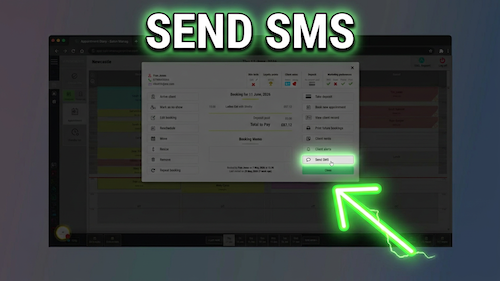
Send SMS from appointment book
Appointments guide How to Send Text Messages to Clients from the Diary Send an SMS directly from a ...
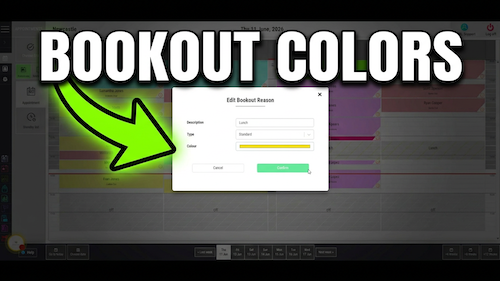
Changing bookout colours
Appointments guide How to Change Bookout Colours Change the colour used for a bookout reason so different types ...
Create classes
Appointments guide How to Create and Configure Classes Create a class in the Salon Manager diary and configure ...
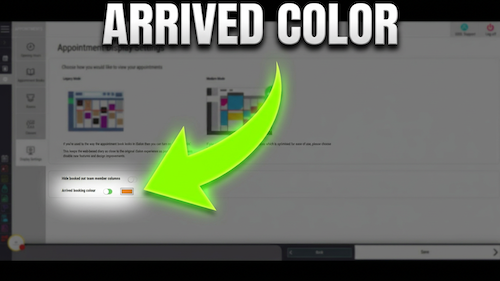
Assigning colours to arrived appointments
Appointments guide How to Assign Colours to Arrived Clients Choose a colour for arrived bookings so your team ...
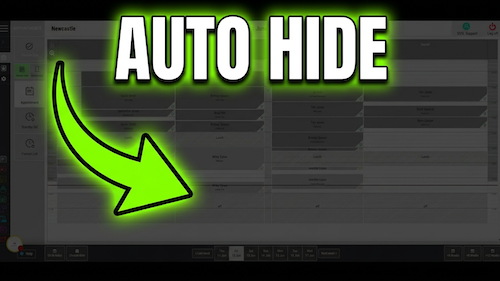
Hiding team members
Appointments guide How to Hide Booked-Out Team Members Hide unavailable team members from the diary to reduce clutter ...
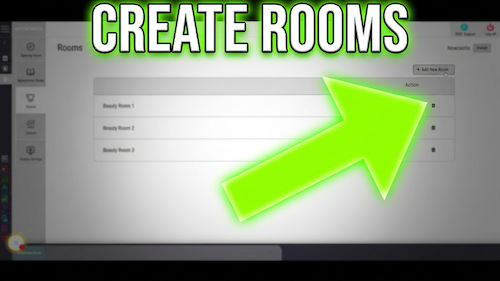
Create a room
Appointments guide How to Create and Configure Rooms Create bookable rooms, treatment spaces or other resources so appointments ...
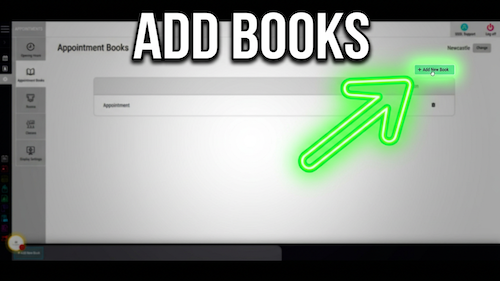
Create additional appointment book
Appointments guide How to Create Additional Appointment Books Create another appointment book to organise different diary areas, locations, ...
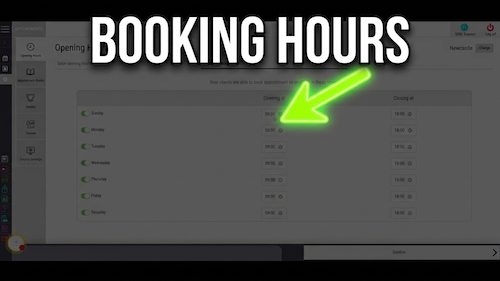
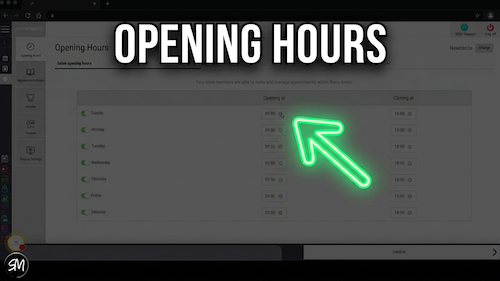
Permanently changing opening times
Appointments guide How to Permanently Change Opening Hours Update the salon’s standard weekly opening and closing hours. ...
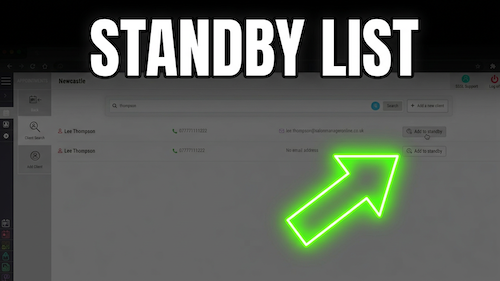
Standby list
Appointments guide How to Add Clients to the Standby List Record clients who are waiting for an appointment ...
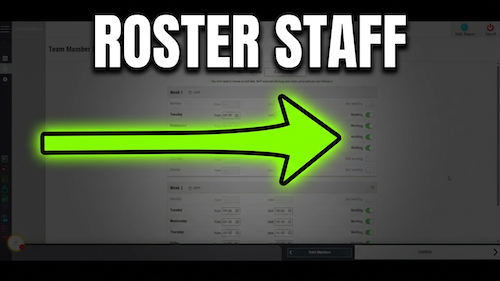
How to Roster a Team Member
Appointments guide How to Set Up Team Members’ Rosters Configure each team member’s start date, working hours, ...
Change opening hours for specific dates
Appointments guide How to Change Opening Hours for a Specific Date Set different opening and closing times for ...
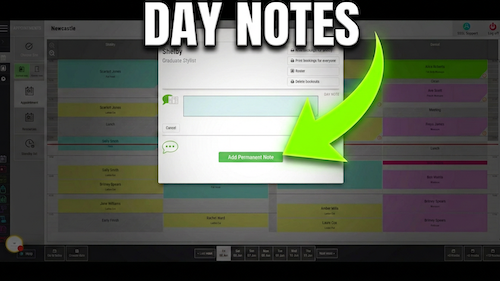
Adding a day note
Appointments guide How to Add a Day Note Add a one-day reminder or piece of information beneath a ...
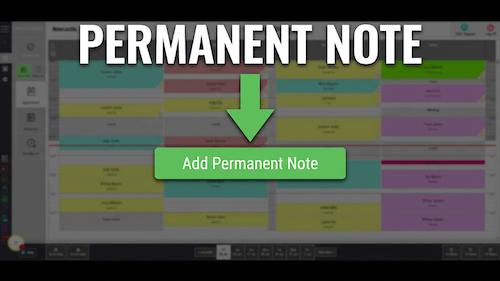
Add permanent note
Appointments guide How to Add a Permanent Note Add ongoing information to a team member’s diary column ...
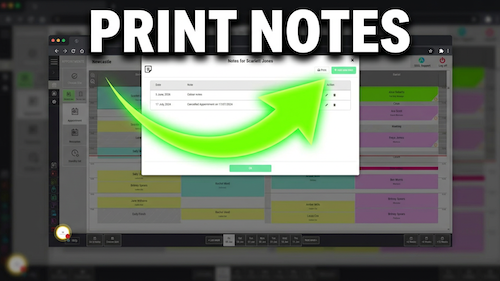
Printing client notes
Appointments guide How to Print Client Notes from the Diary Print a client’s notes directly from their ...
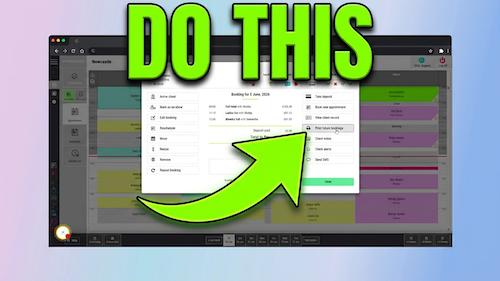
Print future appointments
Appointments guide How to Print Client Future Bookings Print a client’s upcoming appointments from the Salon Manager ...
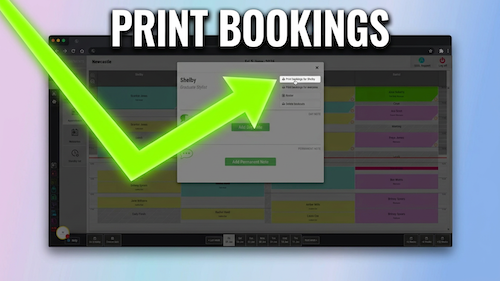
Printing appointments
Appointments video guide How to Print Team Member Appointments Print one team member’s daily bookings from the ...
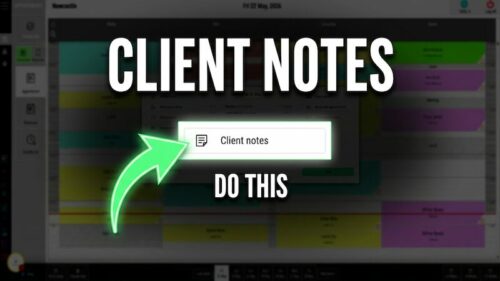
View and add client notes
Appointments guide How to Add and View Client Notes from the Diary Review existing client notes and add ...
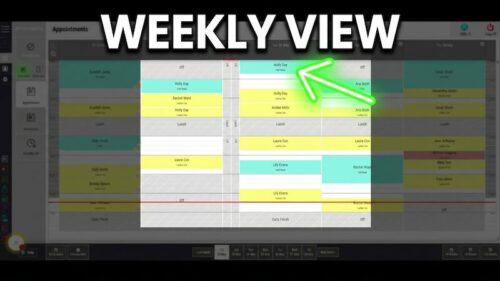
Weekly view
Appointments guide How to View a Team Member’s Weekly Diary Open one team member’s diary across ...
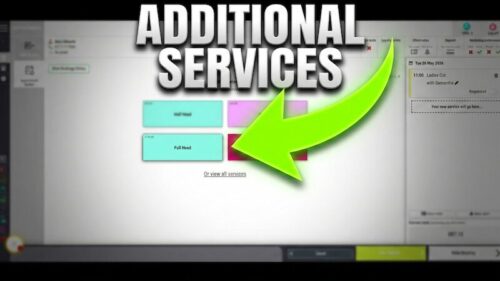
Adding additional services
Appointments guide How to Add an Additional Service from an Existing Booking Add another service for a client ...
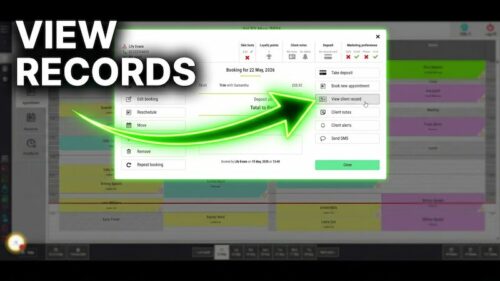
Access record card from booking
Appointments guide How to Access Client Record Cards from Appointments Open a client record card directly from their ...
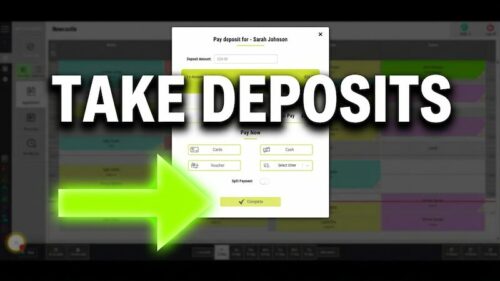
Taking deposits
Appointments guide How to Take a Deposit for an Existing Booking Take a deposit against an appointment that ...
Book from client history
Appointments guide How to View Client History During a Booking Review a client’s previous services, team members ...
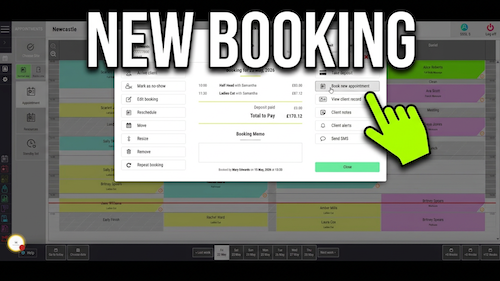
Booking an appointment
Appointments guide How to Book Appointments Create a client appointment with the correct date, time, team member and ...
Editing appointments
Appointments guide How to Edit Appointments Change the service on an existing appointment and keep the diary accurate ...
Removing appointments
Appointments guide How to Remove Appointments Cancel an appointment for a client or delete a booking created in ...
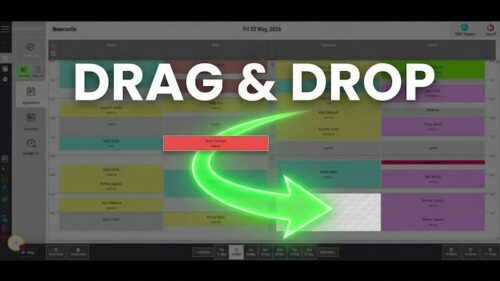
Moving appointments
Appointments guide How to Move Appointments Move an appointment to another time, team member or diary position using ...
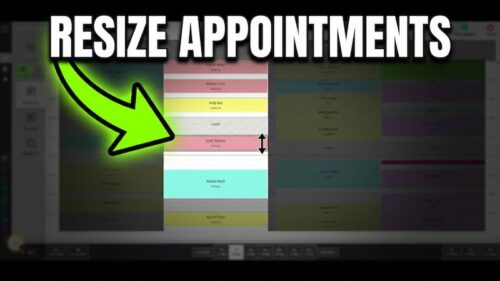
Resizing appointments
Appointments guide How to Resize Appointments Make an appointment longer or shorter when the service needs more or ...
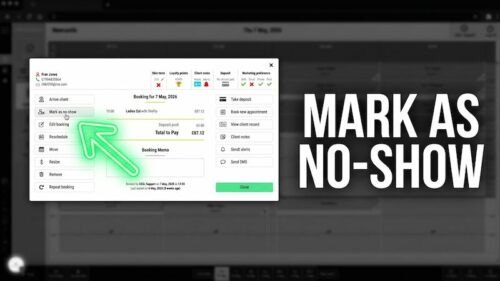
Mark appointment as no-show
Appointments guide How to Mark Appointments as No-Show Update a missed appointment so the diary clearly shows that ...
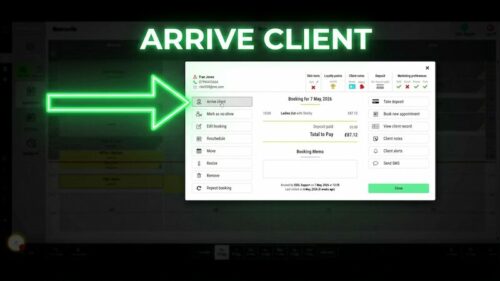
Arriving appointments
Appointments guide How to Arrive Client Appointments Mark a client as arrived when they check in so the ...
01865 649330
Opening Times:
Mon – Fri – 8:30am – 6pm
Sat – 8:30am – 12:30pm
Gladstone House, Hithercroft Road, Wallingford, Oxfordshire OX10 9BT
UK Reg. No. 08930241
VAT No. GB 691 3168 24
About
Software Features
AI salon software
SalonPay
Compare
Training Hub
Blog
FAQs
Contact Us
Our Software Journey
Key Facts
Meet the Salon Manager Team
Clover-End-User Agreement
Editorial Standards
Data security
Salon Manager Hub
Privacy
Sustainability Environmental Statement
Supplier Code Of Conduct
Modern Slavery Statement
© 2026 Salon Software Solutions Ltd
Website by
Yello